
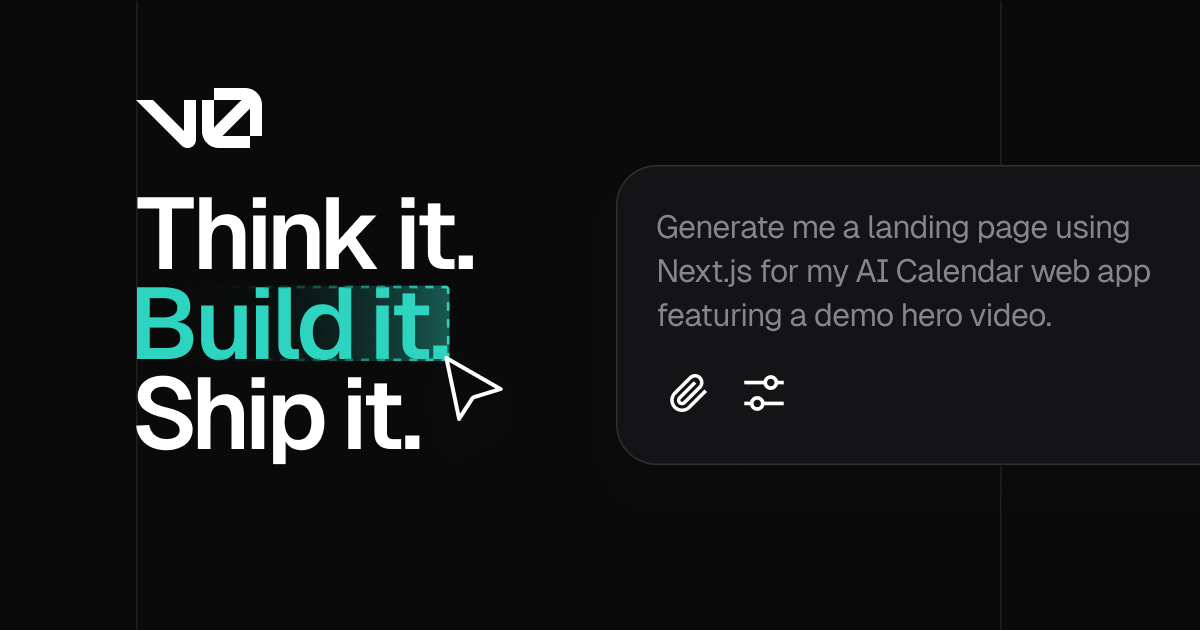

v0 from @Vercel
v0 helps founders generate well-designed web UI components from text prompts or Figma designs — fast, but frontend only.
Best-in-class for UI generation, but you'll need to bring your own backend
Reviewed by MVPable · Updated
Who Should Use v0 from @Vercel
Use v0 from @Vercel if
- Solo founders who need a polished landing page or marketing site in hours
- Non-designers who want production-quality React/Next.js UI without hiring
- Teams with Figma mockups who want to quickly convert designs to working code
- Founders validating a concept where the UI IS the product (e.g. dashboards, portfolios)
Avoid v0 from @Vercel if
- Founders building fullstack SaaS apps with auth, databases, and API logic
- Teams who need a complete working MVP — not just the frontend shell
- Non-technical founders who can't wire up the generated code to a backend
- Projects requiring complex state management or custom client-side logic
Real use cases
Landing page for idea validation
Describe your product concept in a prompt, get a polished landing page with hero section, feature grid, pricing table, and CTA. Deploy to Vercel in minutes to start collecting signups.
Dashboard UI prototype from Figma
Import your Figma mockup of an analytics dashboard and let v0 generate the React components. You'll get a clickable, styled prototype you can show investors or use for user testing before building the backend.
Component library for your MVP
Generate individual UI components — data tables, form wizards, nav bars, settings panels — one by one, then assemble them into your Next.js app. v0 handles the design system so you can focus on logic.
SaaS marketing site pre-launch
Build a multi-page marketing site with consistent branding across landing, about, pricing, and blog pages. Each page generated and tweaked individually through v0's element-by-element editing.
v0 from @Vercel Review: What You Need to Know
What v0 actually does
v0 is Vercel's AI-powered UI generation tool. You describe what you want in plain English — or feed it a Figma file — and it generates React components using Next.js and shadcn/ui. The output is clean, well-structured code that looks surprisingly polished out of the box. You can edit individual elements, iterate on the design through conversation, and deploy directly through Vercel.
Where it genuinely excels
The UI quality is the real differentiator here. Most AI builders spit out code that looks like a bootstrap template from 2016. v0's output actually looks like something a competent designer built. The shadcn/ui foundation means you get accessible, consistent components with a modern aesthetic. If you've ever spent three days tweaking CSS on a landing page when you should've been talking to customers, v0 is going to feel like magic.
The Figma-to-code pipeline is genuinely useful. If you already have mockups (from a designer, from a template, from your own rough Figma work), v0 can convert them into working React code that's remarkably close to the original. The element-by-element editing means you're not stuck with all-or-nothing generation — you can tweak the hero section without regenerating the entire page.
Where it falls short
Here's the thing most people gloss over: v0 is a frontend tool, not an app builder. It doesn't handle authentication, database connections, API routes, payment integration, or any of the backend logic that makes a SaaS product actually work. You'll get a beautiful shell, but the shell is empty.
This isn't a criticism — it's a scope decision. But it means v0 is only half the story for most MVPs. You'll still need Supabase or Firebase for your backend, Stripe for payments, and enough technical knowledge to wire everything together.
The generated code is also opinionated. It's React, it's Next.js, it's shadcn/ui. If your stack is Vue, Svelte, or anything outside the Vercel ecosystem, v0 isn't for you. And while the code quality is good, complex interactive components (multi-step forms, drag-and-drop interfaces, real-time features) often need significant manual rework.
The honest MVP take
v0 is a fantastic accelerator for the visual layer of your MVP. It's not a replacement for building a product. Use it to skip the 40% of MVP work that's "make it look good enough that people take you seriously," then spend your time on the parts that actually matter — the logic, the data, the user experience beyond pixels.
If your MVP is primarily a content site, landing page, or portfolio — v0 might be all you need. If you're building a SaaS product, v0 is your starting point, not your finish line.
What most reviews don't mention
Generated code is tightly coupled to shadcn/ui and Tailwind CSS — migrating to a different design system later means rewriting most components
Complex page layouts with multiple interactive sections often produce components that don't compose well together, requiring manual refactoring to share state
The free tier has generation limits that you'll burn through fast during active prototyping sessions — expect to hit the paywall within a day of serious use
Figma import works best with simple, well-structured files — messy Figma files with auto-layout issues or nested groups produce unpredictable output
No built-in way to generate or connect API routes, server actions, or database schemas — you're on your own for anything beyond the UI layer
MVPability Score
v0 from @Vercel vs Alternatives
Market positioning
v0 sits in the 'AI-assisted frontend generation' niche — more capable than generic code generators for UI work, but narrower in scope than fullstack AI builders like Lovable or Bolt.
vs. Alternatives
Compared to Anima, v0 produces cleaner, more production-ready code but is locked into the React/Next.js ecosystem while Anima supports multiple frameworks. co.dev aims to handle fullstack generation which v0 explicitly doesn't — but co.dev's UI quality is noticeably lower. JetBrains' AI assistant is a code-level tool, not a UI generator; it helps you write code faster but doesn't design anything for you.


How we'd use it in a real MVP workflow
A serious team would use v0 to generate the initial UI components and page layouts in day one, then immediately move the code into their own Next.js repo with Supabase or a custom backend. From that point, v0 becomes an occasional tool for generating new components or exploring design variations — not the primary development environment. Think of it as your AI design intern, not your CTO.
Key trade-off
v0 will get you to a beautiful frontend faster than almost anything else, but every hour you save on UI is an hour you'll still need to spend wiring up the backend. Budget your time accordingly — the pretty screens are the easy part.
Frequently asked questions
Can I build a complete SaaS MVP with v0 alone?
No. v0 generates frontend UI components only. You'll need to add your own authentication, database, API logic, and payment processing. It's a frontend accelerator, not a fullstack platform.
Is the generated code production-quality?
For UI components, yes — it's clean React with shadcn/ui and Tailwind. You won't be embarrassed showing it to a technical co-founder. But you'll likely need to refactor component composition and state management for anything beyond simple pages.
How does the Figma import actually work?
You paste a Figma file or frame, and v0 attempts to recreate it as React components. It works well for clean, well-structured designs with clear hierarchy. Messy Figma files with overlapping layers or complex auto-layout produce inconsistent results.
Am I locked into Vercel for hosting?
No. The generated code is standard Next.js/React that you can export and deploy anywhere that supports Next.js — Netlify, Railway, AWS, a VPS. The Vercel deployment is just the most convenient option, not a requirement.
How much does v0 actually cost for an MVP build?
The free tier gives you limited generations per month — enough for a quick experiment but not a full build. The Premium plan ($20/month) gives you enough generations for most MVP projects. You're looking at 1-2 months of paid usage to get your UI built, so $20-40 total.
Ready to see how v0 from @Vercel fits in your MVP stack?