
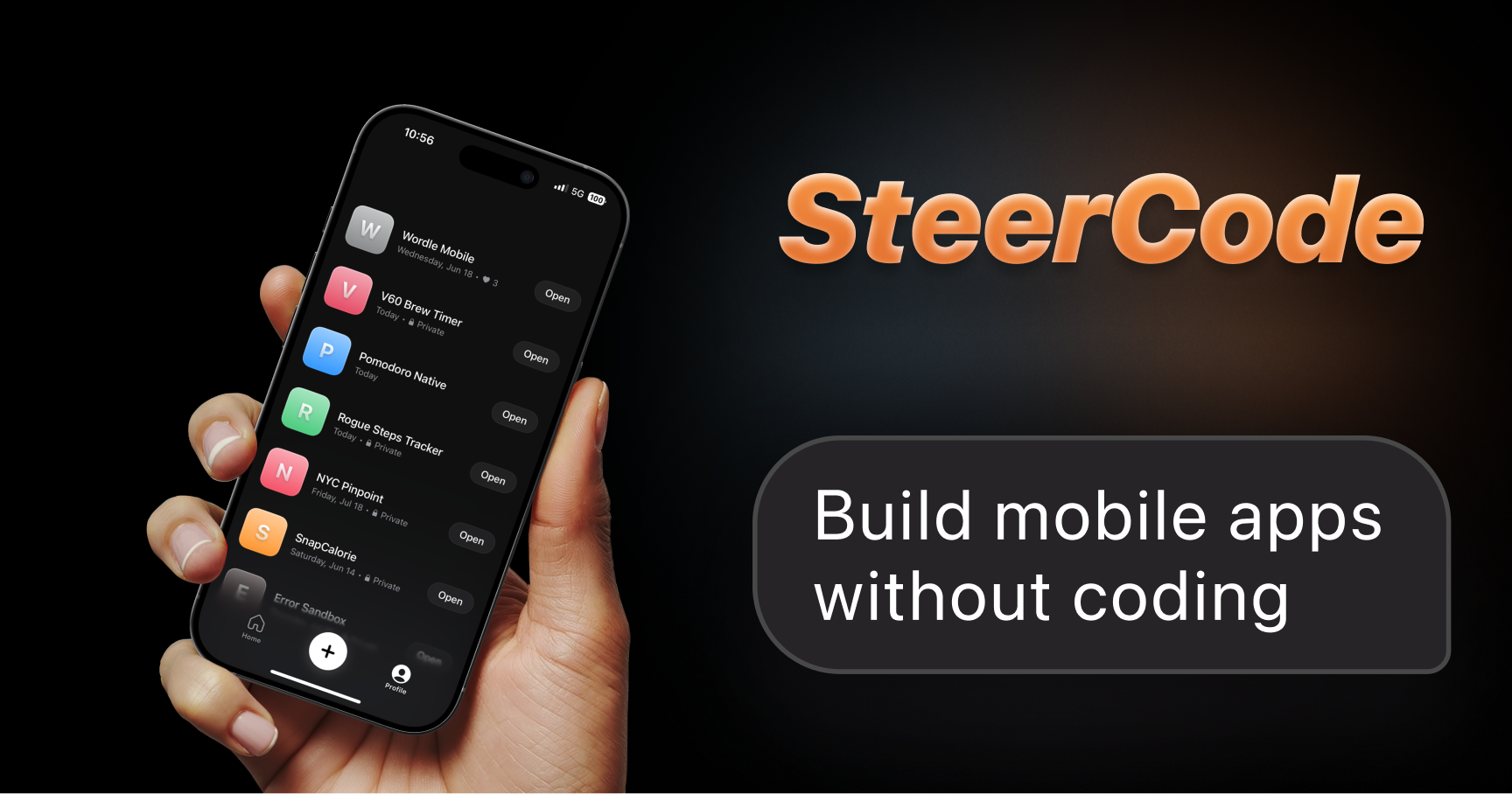

SteerCode
SteerCode lets non-coders build and share mobile apps from text or voice prompts, deployed via Expo.
Type
AI mobile app builder (no-code, prompt-driven)
Pricing
Freemium
Category
AI Mobile DevelopmentWebsite
steercode.comMVPable Score
Promising for quick mobile prototypes, but don't mistake the output for a production app
Reviewed by MVPable · Updated
Who Should Use SteerCode
Use SteerCode if
- Non-technical founders who want a clickable mobile prototype to test with real users
- Solo founders validating a mobile-first idea before hiring a developer
- Founders who need a demo app for a pitch deck or investor meeting within days
- Makers who think in conversation — voice/text prompting feels more natural than drag-and-drop
Avoid SteerCode if
- Teams building apps with complex backend logic, auth flows, or real-time data
- Founders who need App Store or Google Play distribution as part of their MVP
- Products requiring custom native functionality like camera APIs, Bluetooth, or payments
- Anyone who needs full code ownership and the ability to hand off to a dev team cleanly
Real use cases
Local service marketplace prototype
You have an idea for a neighborhood services app (dog walking, tutoring, etc.). Use SteerCode to prompt out the core screens — browse, book, profile — and share the Expo link with 20 potential users to see if they'd actually use it.
Event check-in app for a weekend hackathon
You're running an event and need a quick attendee check-in app. Prompt SteerCode to generate a list view, QR code scanner mockup, and attendee details screen. Share via Expo to your volunteer team.
Health/wellness tracker MVP
You want to test whether people will log daily habits on a mobile app. Prompt SteerCode to create a simple daily log, streak counter, and summary view. Distribute via Expo to a small beta group for feedback.
Investor demo for a mobile-first concept
You need something that looks and feels like a real app to show investors, but you're pre-funding and pre-team. Use SteerCode to generate 5-7 screens that demonstrate the core flow, then share the Expo link in your pitch.
SteerCode Review: What You Need to Know
What SteerCode Actually Does
SteerCode is a mobile app that builds mobile apps. You open it on your phone, describe what you want in text or by talking to it, and it generates a functional app you can share with others via Expo. The whole value prop is: zero coding, zero setup, idea-to-shareable-app as fast as possible.
That's genuinely novel. Most AI app builders (a0.dev, Blink.new) run in the browser. SteerCode meeting you where you already are — on your phone — is a smart design choice, especially for non-technical founders who live on mobile.
Where It Excels
The speed-to-something-shareable is the killer feature here. If you've ever tried explaining a mobile app idea to someone by waving your hands and showing wireframes on a napkin, you know how painful that is. With SteerCode, you can have a tappable prototype in someone's hands within hours. The Expo distribution is clever — no app store hoops, just a link.
Voice prompting is a nice touch. For founders who think out loud, being able to describe screens and flows conversationally lowers the barrier significantly compared to writing structured prompts.
Where It Falls Short
Here's the honest part: what you get is a prototype, not a product. Expo-based sharing works for testing and demos, but it's not a distribution strategy. You can't submit this to the App Store as-is without significant rework. The technical ceiling is low — expect UI screens and basic navigation, not complex state management, backend integrations, or anything approaching production architecture.
Because the tool itself runs as a mobile app, you're also limited by that form factor. Editing code, debugging, or making fine-grained adjustments on a phone screen is going to hit a wall fast. There's a reason most dev tools run on desktop.
The bigger concern is what happens after validation. If your prototype gets traction and you need to build the real thing, you're likely starting from scratch. There's no clear path to export clean, maintainable React Native code that a developer would want to pick up and extend.
The Honest Take
SteerCode occupies an interesting niche: it's the fastest way for a non-coder to go from "I have a mobile app idea" to "here, try this on your phone." That's genuinely valuable for validation. But you need to go in with clear eyes — this is a prototyping tool, not a development platform. Use it to test demand, get feedback, and build conviction. Then budget for the real build.
If you're a technical founder or have a developer on the team, you'll likely outgrow SteerCode within the first session and reach for Claude Code or a proper React Native setup instead. But if you're a solo non-technical founder with an idea burning a hole in your brain, SteerCode can get you to your first user test faster than almost anything else.
What most reviews don't mention
No clear code export — the app generates Expo projects, but there's no documented way to eject clean, production-ready React Native code you can hand to a developer
Mobile-only editing environment means you're stuck on a phone screen for all prompting and iteration — no desktop IDE, no version control, no collaboration features
Expo Go sharing requires recipients to install the Expo Go app, which adds friction for non-technical testers and kills the 'just send a link' simplicity
No backend generation — if your app needs user accounts, a database, or API calls, you'll hit a wall quickly and need to wire that up separately
Very early-stage product with limited community, documentation, and track record — expect rough edges and unclear roadmap
MVPability Score
SteerCode vs Alternatives
Market positioning
SteerCode sits at the most accessible end of the AI mobile builder spectrum — it's the tool for people who don't even want to open a laptop, let alone a code editor.
vs. Alternatives
Compared to a0.dev and Blink.new, SteerCode trades power and code quality for accessibility — those tools give you cleaner React Native output you can actually build on, but require browser-based workflows. Claude Code is in a different league entirely: it's for developers who want AI assistance writing real code, not for non-coders generating prototypes. If you can code or have a dev partner, skip SteerCode and go with Claude Code or a0.dev.



How we'd use it in a real MVP workflow
Use SteerCode purely as a rapid validation tool in your first 48-72 hours: generate screens, share with target users via Expo, collect qualitative feedback on the concept. Once you've validated demand, take your learnings (not the code) to a developer or a more robust builder like a0.dev or a proper React Native setup for the production build. Don't try to stretch SteerCode into something it's not.
Key trade-off
SteerCode trades technical depth for radical accessibility. You'll get to a shareable prototype faster than almost any alternative, but the output isn't production-grade and you'll likely rebuild from scratch once you've validated your idea.
Frequently asked questions
Can I publish a SteerCode app to the App Store or Google Play?
Not directly. SteerCode outputs Expo-based apps you share via link. Getting to the App Store would require ejecting the project and going through a standard native build process, which likely means significant rework with a developer.
Do my testers need to install anything to try my app?
Yes, they'll need the Expo Go app on their phone. This adds a step that can cause drop-off, especially with non-technical testers. It's not as seamless as sending a web link.
Can I add a backend, database, or user login to my SteerCode app?
Based on what's available, SteerCode focuses on front-end screen generation. If you need auth, a database, or API integrations, you'll need to handle that separately — which defeats the purpose for most non-coders.
How does the voice prompting actually work?
You speak naturally about what you want your app to do, and SteerCode interprets it to generate screens and flows. It's conversational, not template-based. Expect to iterate — your first prompt won't nail it, but a few back-and-forth rounds can get you somewhere usable.
Is SteerCode worth it if I already know how to code?
Probably not. If you can write React Native or even basic JavaScript, you'll get better results faster with Claude Code or a0.dev. SteerCode's value is specifically for people who can't code at all and want something tangible without learning to.
Ready to see how SteerCode fits in your MVP stack?