
Qoder
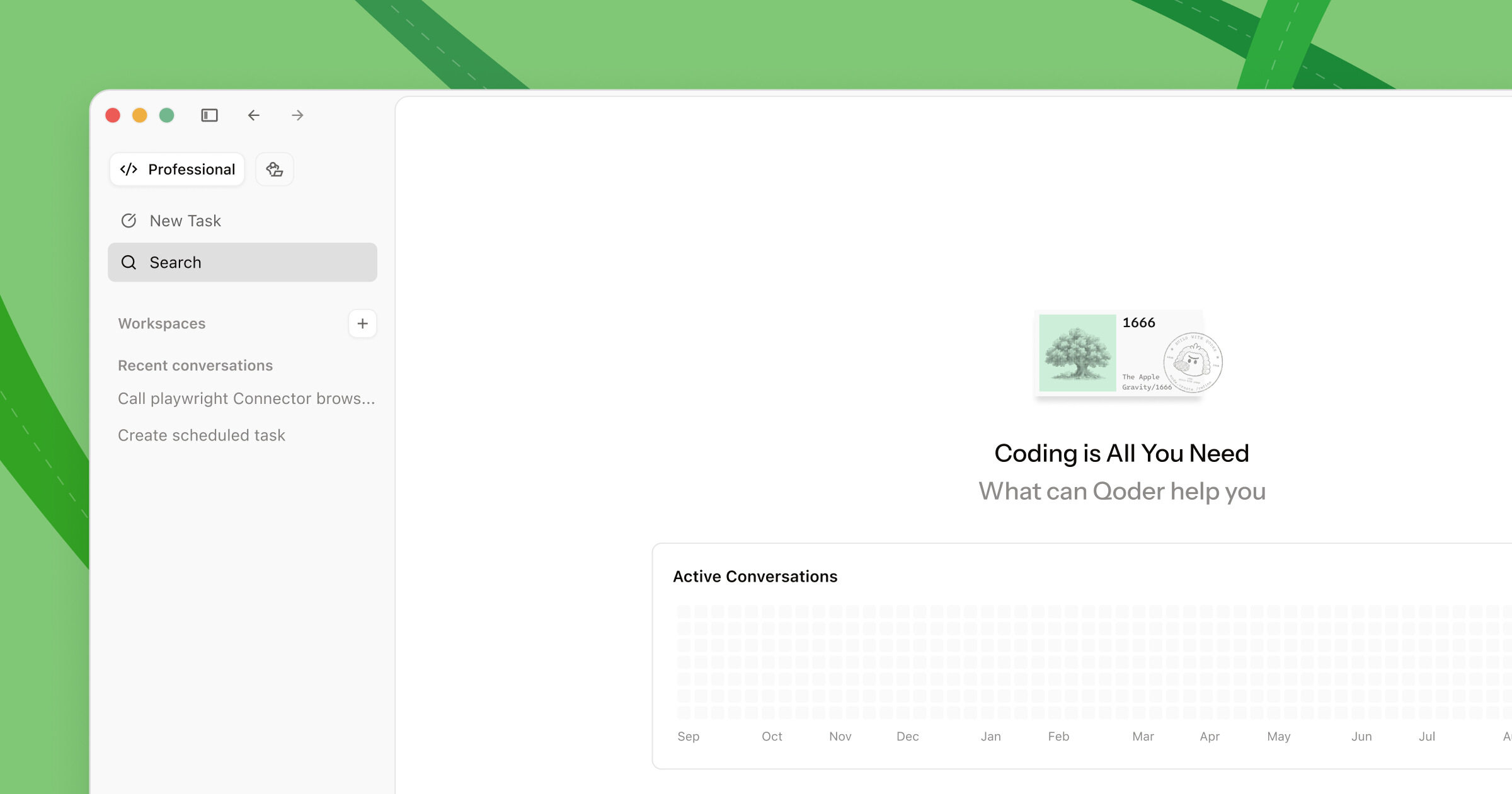
Qoder is an AI IDE that helps developers navigate complex projects, understand large codebases, and auto-generate docs.
Type
AI Code Generation IDE
Pricing
Freemium
Category
AI Code GenerationWebsite
qoder.comMVPable Score
Promising for devs with existing code complexity, but still proving itself against established AI IDEs
Reviewed by MVPable · Updated
Who Should Use Qoder
Use Qoder if
- Technical founders inheriting or extending a large existing codebase for their MVP
- Solo devs who need auto-generated documentation to onboard contractors fast
- Teams building MVPs on top of complex open-source projects they need to understand quickly
- Founders refactoring a messy prototype into something shippable
Avoid Qoder if
- Non-technical founders who need visual drag-and-drop building — this is a developer tool
- Greenfield MVPs where a simpler AI code assistant like Cursor or Copilot would do the job faster
- Teams deeply invested in VS Code extensions and workflows who don't want to switch IDEs
- Founders looking for a full-stack app builder — Qoder assists coding, it doesn't build apps for you
Real use cases
Forking an open-source tool into a vertical SaaS MVP
You've found an open-source project that's 80% of what you need. Use Qoder to understand the codebase structure, generate a code wiki, then make targeted modifications for your niche. The codebase understanding feature is the real value here.
Onboarding a freelancer onto your messy prototype
You hacked together a working prototype but now need help. Use Qoder's auto-docs and code wiki to generate enough context that a contractor can get productive in hours instead of days.
Building a backend-heavy MVP with complex business logic
If your MVP involves intricate data processing or multi-step workflows, Qoder's ability to understand project context means it generates more relevant code suggestions than generic copilots. Think fintech calculations, logistics routing, or healthcare data pipelines.
Refactoring a hackathon project into a real MVP
You won the hackathon, now you need to ship. Use Qoder to analyze your spaghetti code, generate documentation of what exists, then systematically refactor with AI assistance that actually understands your full project.
Qoder Review: What You Need to Know
What Qoder Actually Does
Qoder positions itself as an AI IDE built for complexity. While most AI coding assistants work great on single files or small projects, they start hallucinating and losing context once your codebase grows. Qoder's pitch is that it actually understands your entire project — the relationships between files, the architecture, the dependencies — and uses that understanding to generate better code and documentation.
The standout feature is the code wiki/docs generation. Point it at a codebase and it'll map out the structure, document functions, and create navigable documentation. For an MVP builder, this is genuinely useful in two scenarios: when you're building on top of something complex, or when you need to get other people up to speed on your code fast.
Where It Excels
If you're working with a codebase that has more than a handful of files with real interdependencies, Qoder's context awareness is noticeably better than throwing files at ChatGPT or hoping Copilot guesses right. The AI suggestions feel more grounded because the tool has actually indexed your project structure.
The documentation generation is a sleeper feature for MVP teams. Most founders never write docs — Qoder generates them automatically. When you're hiring your first contractor or trying to hand off code to a co-founder, this saves real time.
Where It Falls Short
Here's the honest part: Qoder is still a relatively young tool competing against Cursor, GitHub Copilot, and the VS Code ecosystem — all of which have massive communities, extensive plugin ecosystems, and years of polish. Switching your entire IDE is a significant commitment, and the switching cost needs to be justified by a meaningful productivity gain.
For simple MVPs — a landing page, a CRUD app, a basic SaaS — Qoder is overkill. Its strengths in codebase understanding don't matter when your codebase is 10 files. You'd be faster with Cursor or even Bolt/Lovable for those cases.
The freemium model also means you'll likely need to pay once you're doing real work. The free tier will give you a taste, but complex project analysis on larger codebases is where the value lives, and that's almost certainly gated behind paid tiers.
The MVP Verdict
Qoder occupies an interesting niche: it's for the technical founder whose MVP isn't a clean-room greenfield project. If you're forking something, extending something, or building on a complex foundation, the codebase understanding and auto-documentation features offer genuine value that generic AI assistants don't match. But if you're starting from scratch on a straightforward app, you're better off with more established tools that have bigger ecosystems and more community support.
What most reviews don't mention
As a standalone IDE, you lose access to the massive VS Code extension ecosystem — linters, formatters, language-specific tools, Git integrations you rely on daily
Codebase understanding quality likely degrades with very large monorepos or unconventional project structures — AI indexing has practical limits that aren't well-documented
The tool is relatively new with a small community, meaning fewer tutorials, Stack Overflow answers, and troubleshooting resources when you hit issues
Free tier limitations aren't clearly published — expect to hit paywalls quickly on the features that actually differentiate Qoder from free alternatives
Auto-generated documentation is only as good as the code it reads — messy, uncommented code may produce misleading or superficial docs
MVPability Score
Qoder vs Alternatives
Market positioning
Qoder sits between lightweight AI code assistants (Copilot, Codeium) and full AI app builders (Bolt, Lovable), targeting developers who need deep codebase understanding rather than just autocomplete or no-code generation.
vs. Alternatives
Compared to Cursor, Qoder leans harder into whole-project understanding and documentation, but Cursor has a much larger community and tighter VS Code compatibility. Zed is focused on performance and multiplayer editing rather than AI code generation. Figma Make is a completely different tool for design-to-code, not a coding IDE — if you're comparing these, you're probably at the 'should I even code this' stage, in which case Figma Make or Lovable might be more appropriate.



How we'd use it in a real MVP workflow
A serious team would use Qoder specifically during the 'understand and extend' phase — when you're forking an open-source project, integrating a complex API, or onboarding new developers. Generate the code wiki, use the AI to map dependencies, then potentially switch back to your primary IDE (VS Code/Cursor) for daily development once the codebase is well-understood. Treat it as an analysis and documentation power tool, not necessarily your permanent home.
Key trade-off
Qoder's core value — deep codebase understanding — only kicks in on projects with real complexity. For the majority of MVPs that are small, simple apps, you're paying the cost of learning a new IDE without getting the benefit. Make sure your project is actually complex enough to justify the switch.
Frequently asked questions
Is Qoder better than Cursor for building an MVP?
For most greenfield MVPs, no. Cursor has a larger ecosystem, more community resources, and VS Code compatibility. Qoder's edge is specifically when you're working with a large or complex existing codebase that needs deep understanding — forking projects, extending open-source tools, or navigating legacy code. If your MVP is starting from scratch, Cursor is the safer bet.
Can a non-technical founder use Qoder to build an MVP?
No. Qoder is a developer IDE, not a no-code builder. You need to know how to code. If you're non-technical, look at Lovable, Bolt, or Figma Make instead.
What does the free tier actually include?
Qoder operates on a freemium model, but the specific free tier limits aren't prominently documented. Expect basic AI assistance for free, with the deeper codebase analysis and documentation features likely requiring a paid plan. Start with the free tier to test if the project understanding actually works well for your specific codebase before committing.
Is my code locked into Qoder if I start using it?
Your source code remains yours — it's still files on your filesystem. The lock-in risk is moderate: you'd lose the generated code wiki and any IDE-specific configurations, but your actual codebase is portable. The main cost of switching is workflow disruption, not data loss.
How does Qoder's code wiki feature actually work?
Qoder indexes your project and uses AI to generate structured documentation — function descriptions, file relationship maps, and architectural overviews. It's useful for onboarding and code review, but don't expect it to replace hand-written architecture docs for complex systems. Think of it as a very good first draft that saves you hours of documentation work.
Ready to see how Qoder fits in your MVP stack?